Nessus Host Discovery & Vulnerability Scanning
Scan Templates
Create a new scan template with Policies > New Policy
- This'll provide the same layout as doing a custom scan to customize options
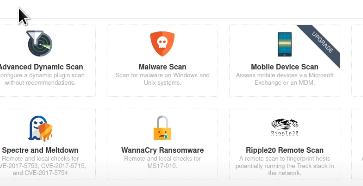
There are existing templates for known vulnerabilities like MS17-010 as well as other popular scan types.
Setting up a New Scan
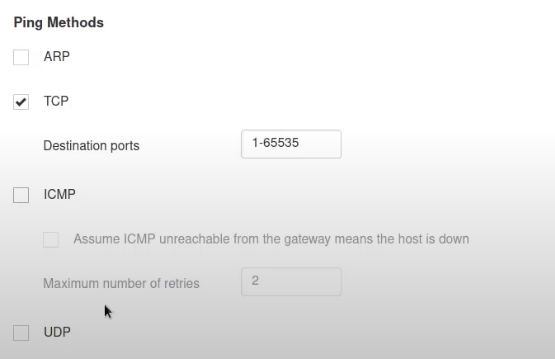
When covering pinging, check the following
- ARP is great for local networks but not if we're working remotely
- TCP is better for remote
- If dealing with ICMP, it may be worth disabling it for Windows hosts (Windows firewalls often block ICMP echo requests)
Host Discovery
As a general rule of thumb, the smaller the network, the smaller you can make the network timeout, given there's limited devices on the network and nessus will probably find them all quickly.
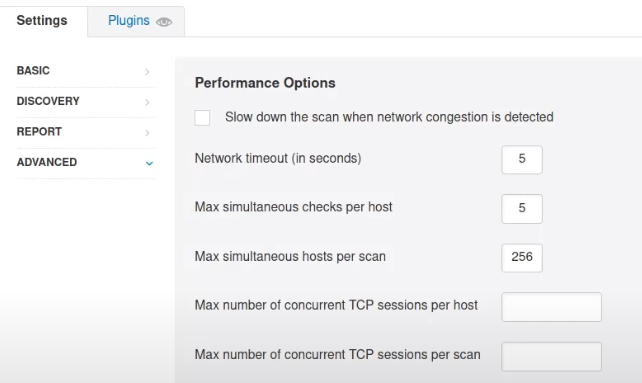
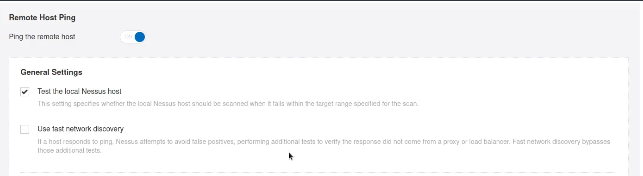
Use fast network discovery to aid in bypassing filters or firewalls that are intercepting traffic
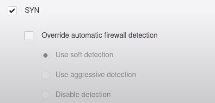
We can also stealth scan the network
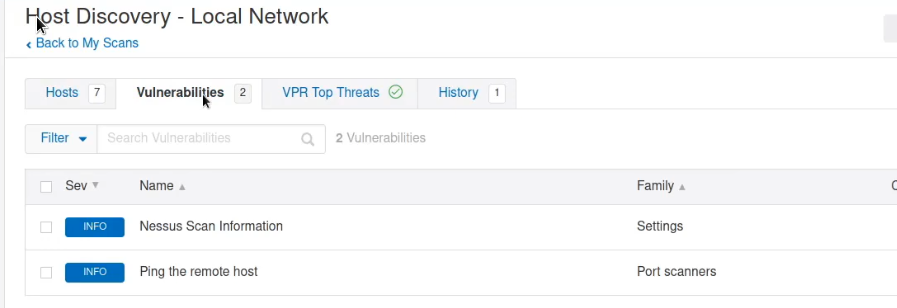
You can see discovered vulnerabilities in real-time from the Host Discovery panel
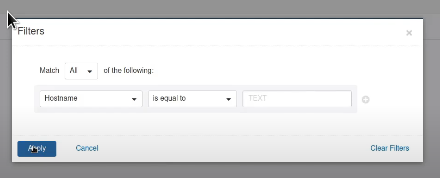
You can filter by port, protocol, hostname, etc
Authenticated Scans
It is possible to run scans with existing credentials

New Scan
Host Discovery allows for specific scanning types, i.e. OS identification in particular
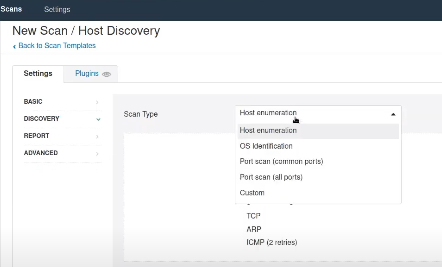
Scan types let you determine the speed and verbosity of the scan
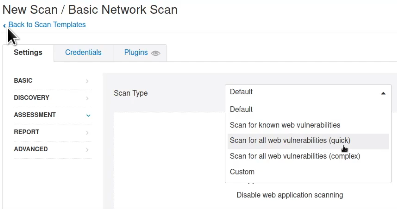
Verbosity can be tweaked for the outputted report too
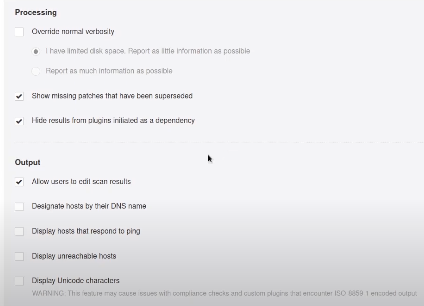
New Scan - Advanced Scan Settings
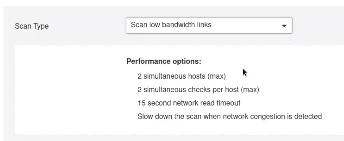
Advanced settings let us modify the scan type further
- Scan low-bandwidth links (lets us reduce the amount of traffic) or the aggressiveness of the scan
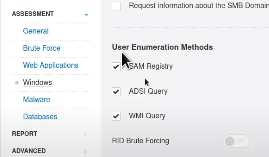
New Scan - Assessment Settings
Enumeration can be adjusted and tweaked using different methods
Outputted Scan
Vulnerabilities found during scanning will be outputted in order of severity
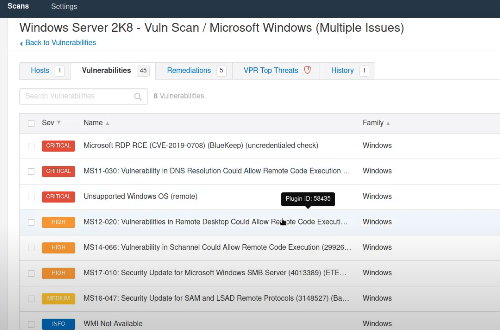
Remember that vulnerability scans are not perfect, you need to verify anything that comes up.
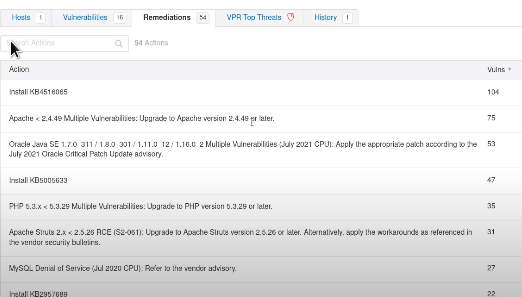
Remediations
Remediation advice is given next to the vulnerabilities tab.
- A lot will tell you to update a specific hotfix ID